The Easy Way to Get Symbols, PCB Footprints & 3D Models
TTI and SamacSys have partnered to make millions of ECAD Models available for use with your favorite ECAD tool.
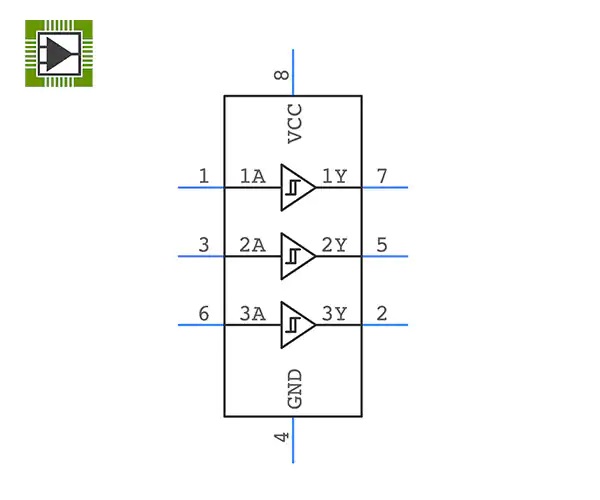
Symbols
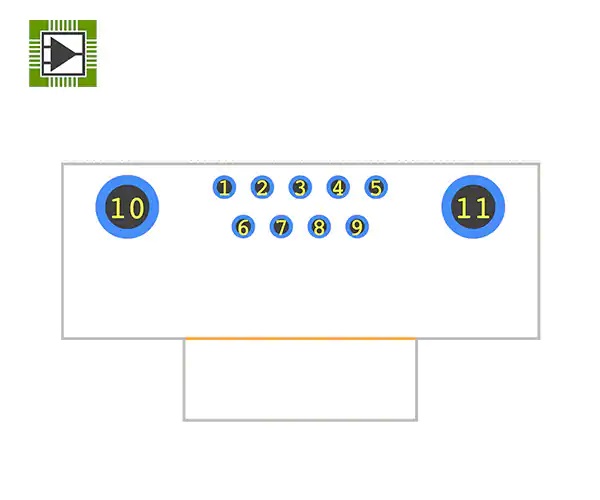
Footprints
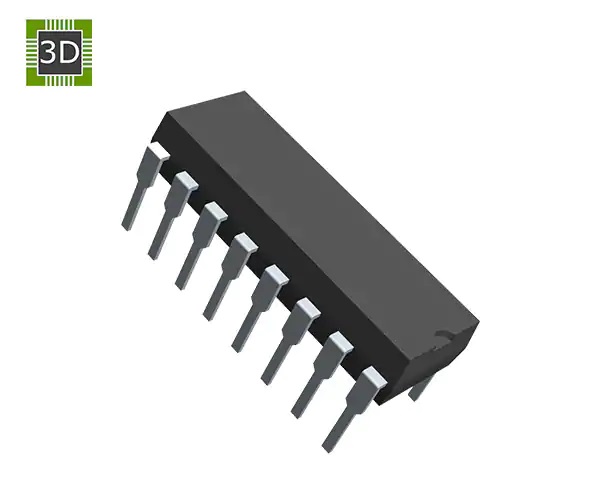
3D Models
ECAD Help
How to use the PCB Part Libraries:
- Install the Library Loader - To convert the PCB Part Libraries to your ECAD tool format, you will need to download and install the Library Loader. PCB Part Libraries work with all of the ECAD tools shown below.
For complete Library Loader install instructions please visit the Samacsys Library Loader help page.
Note: first time users will be asked to register and log in.
- Run the Library Loader from the desktop shortcut that was created during installation.
- When browsing parts on the TTI website, be sure your ECAD tool is open.
- Simply click on the View PCB symbol from the TTI website and drop it into your design.
If a 3D model is included in the library, it will be downloaded to your Downloads folder and named the same as the manufacturer part number. For more info on 3D files, please visit the Samacsys 3D Only help page.
ECAD Tools Supported
SamacSys ECAD Models downloaded from the TTI website are compatible with the following ECAD tools. Click on Your ECAD tool below to obtain configuration information.




















PCB Library Types

Indicates PCB Symbol, Footprint, & 3D Model Available.

Indicates only Schematic Symbols and PCB Footprints available.

Indicates no models are currently available. Schematic symbol and PCB footprint can be requested.